VF Communities and hold to send
visionforceofficial.com October 29, 2026

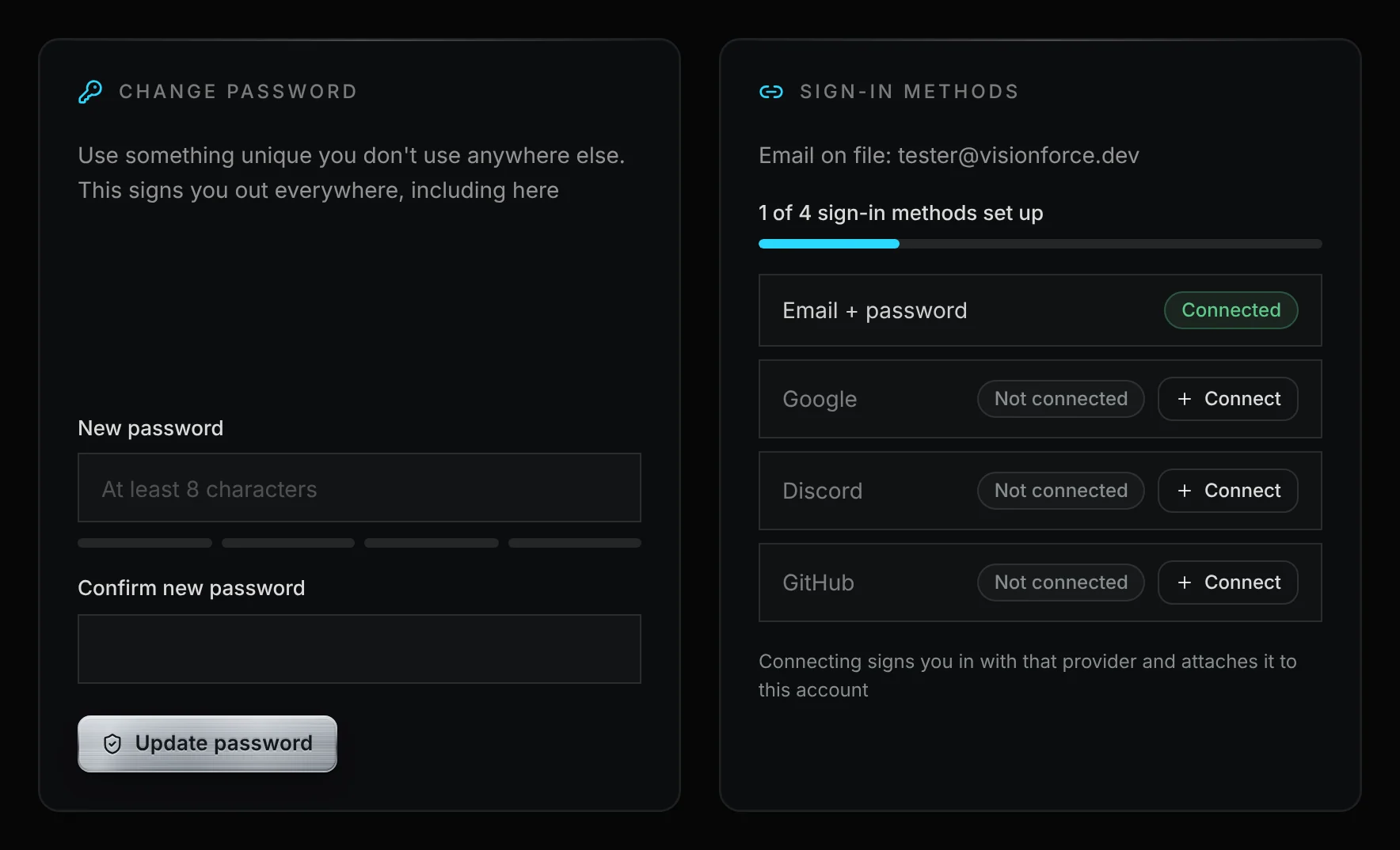
This one is mostly for the people who run Discord servers. VF Communities is open: if you run a Rocket Racing server you can apply to get it on the community page, and once a person says yes our own bot brings your announcements onto your server's page here. Every application form also got a new send button, the legal page became seven documents and you can reset a forgotten password from Settings.
Same as last time, all of it went to the private preview copy first and we clicked through it before it went public.
VF CommunitiesOpen#
Why?: until now we added servers by hand and their posts came through our old hub relay. Now the people who run a server apply themselves, and the posts come straight from their own Announcement channels
Applying
- Apply at /community/apply. You need a Vision Force account with an email, a username and your Discord linked
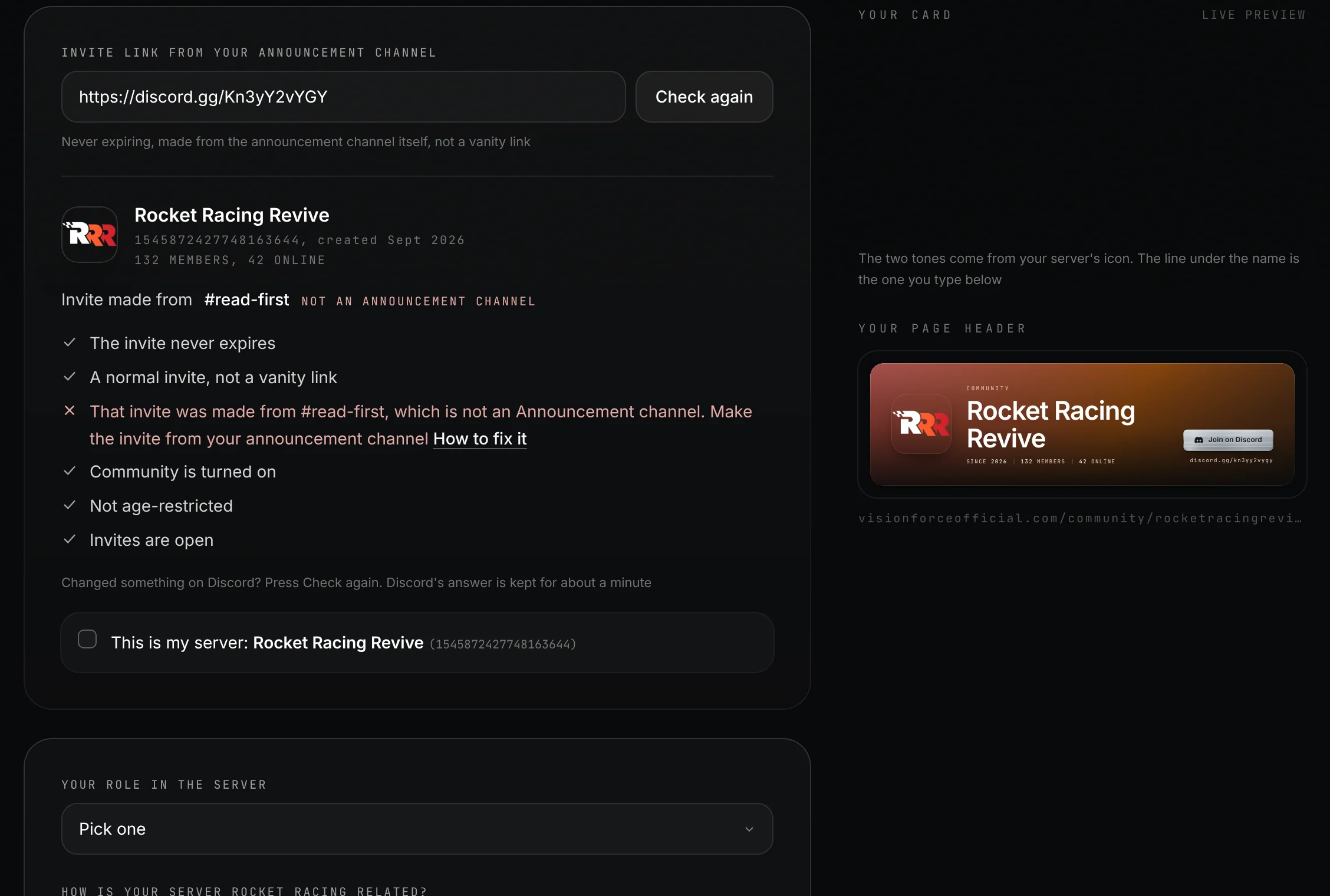
- Your invite gets checked while you paste it. It has to be made from an Announcement channel, Community has to be on, it has to never expire, it can't be a vanity link (discord.gg/yourname) and the server can't be age-restricted
- If something fails it tells you what, with a link to the fix. Fix it on Discord and press Check again. Send it anyway and it gets auto-rejected, with the reason in your email
- A person reads every application and you get an email at every step, yes or no
- If it's a yes, the email has the button to add our VF Relay bot. Add it, press "I added it, check now" on your application and your page goes live within a minute
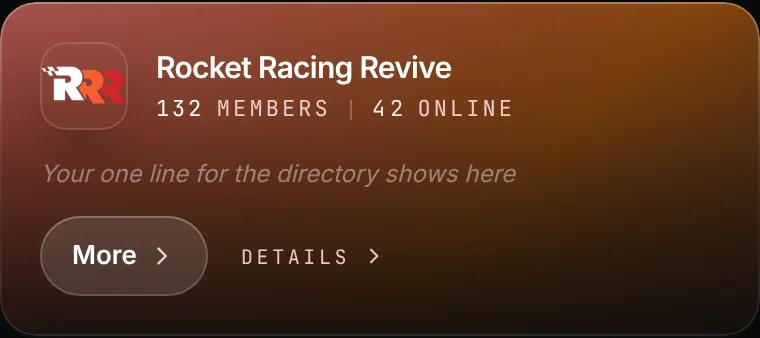
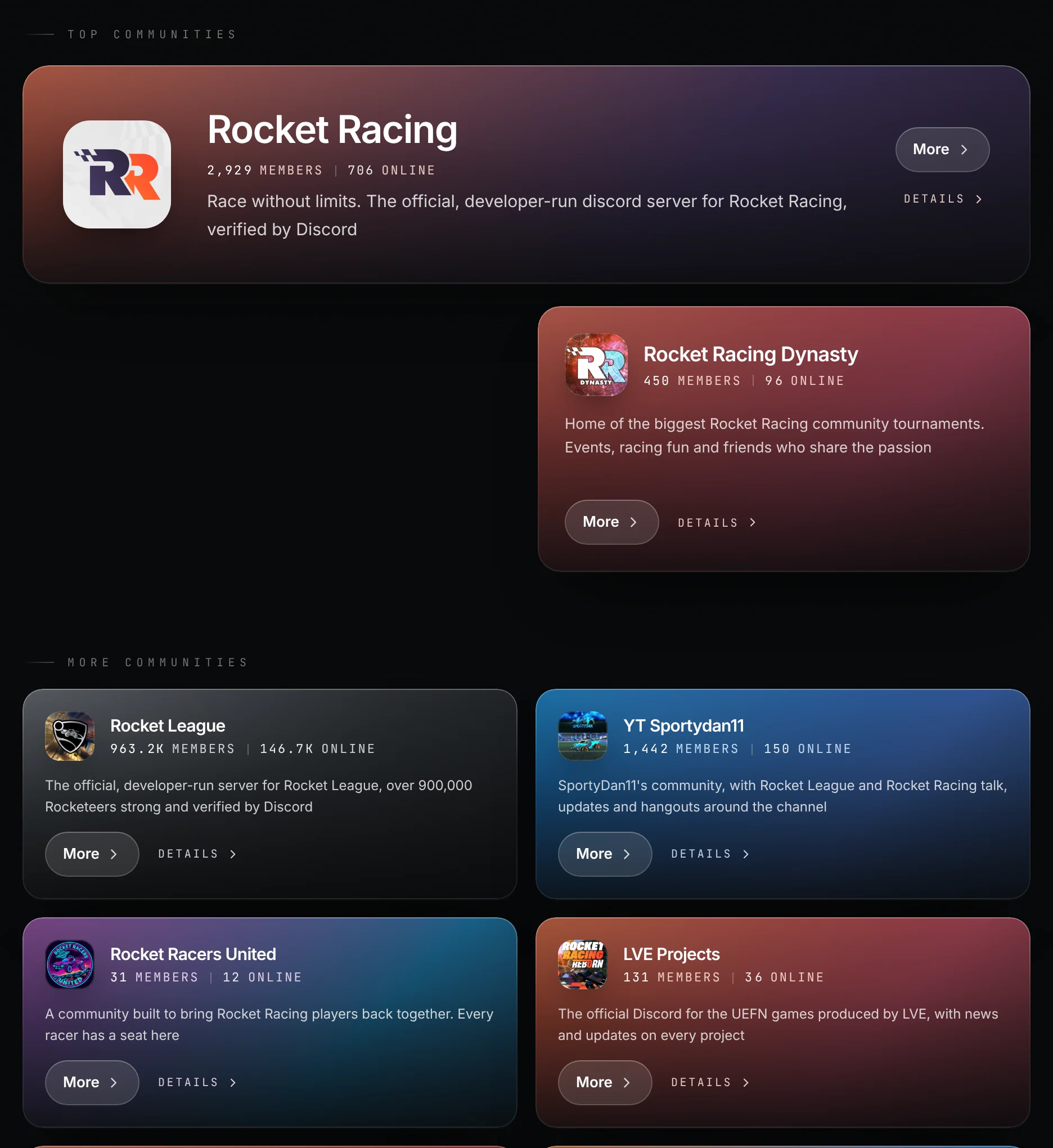
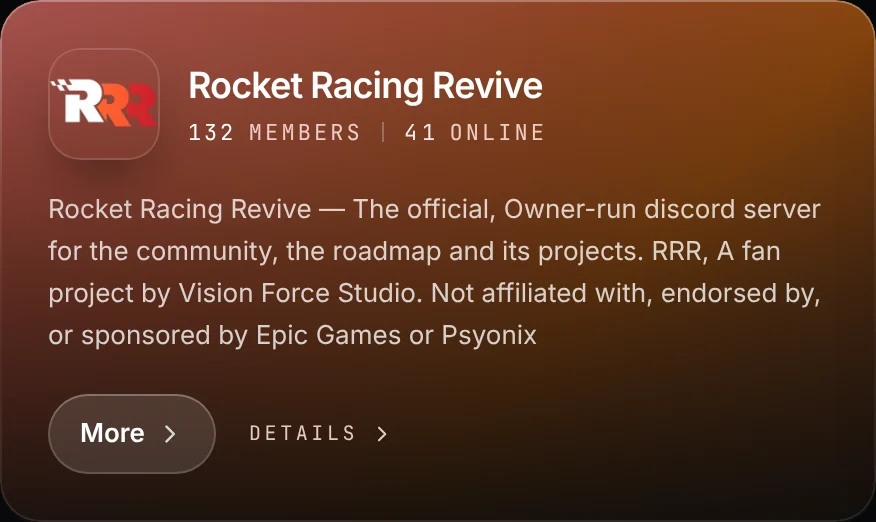
- "Your card" next to the form shows your directory card and your page header live, in your server's colours, with the line you type for the directory
Link your Discord
- The "Link your Discord first" button takes you straight to the Discord row in your account settings, highlights it, and brings you back to your application after you link

The VF Relay bot
- Two permissions: View Channels and Read Message History. Give it more (Administrator, Manage Server, Manage Roles, Manage Channels, Manage Webhooks, Manage Messages, Kick or Ban) and that server's relay is paused until it's removed
- It only reads your public Announcement channels. It never posts, never DMs and never moderates
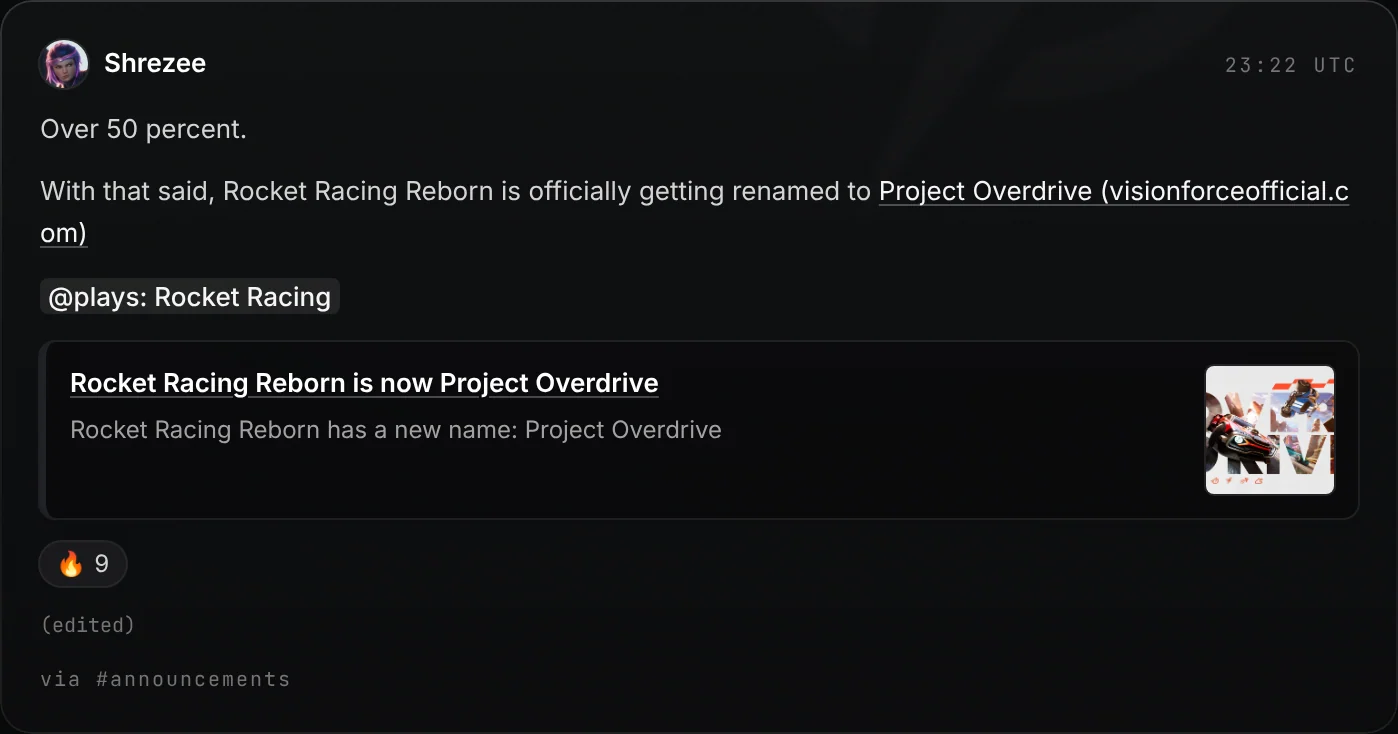
- Text, images, embeds and reactions come through, with the poster's display name and avatar. Polls show their question
- New posts, edits, reactions and deletes follow within a few minutes. Changes to older posts can take a few days
- Want out? Kick the bot, or tell us
Posts that arrive by following another server's channel, or forwarded from another server, are not shown. That server can apply itself
New servers
- Two weeks of probation. For a new server's first two weeks, staff see every new post and edit before it shows on the page. It ends early once we've let 10 posts through
- Posts are still screened after that. Our AutoMod words, @everyone with an outside link, invites to other servers and a burst of posts get held for a person to look at
Cards
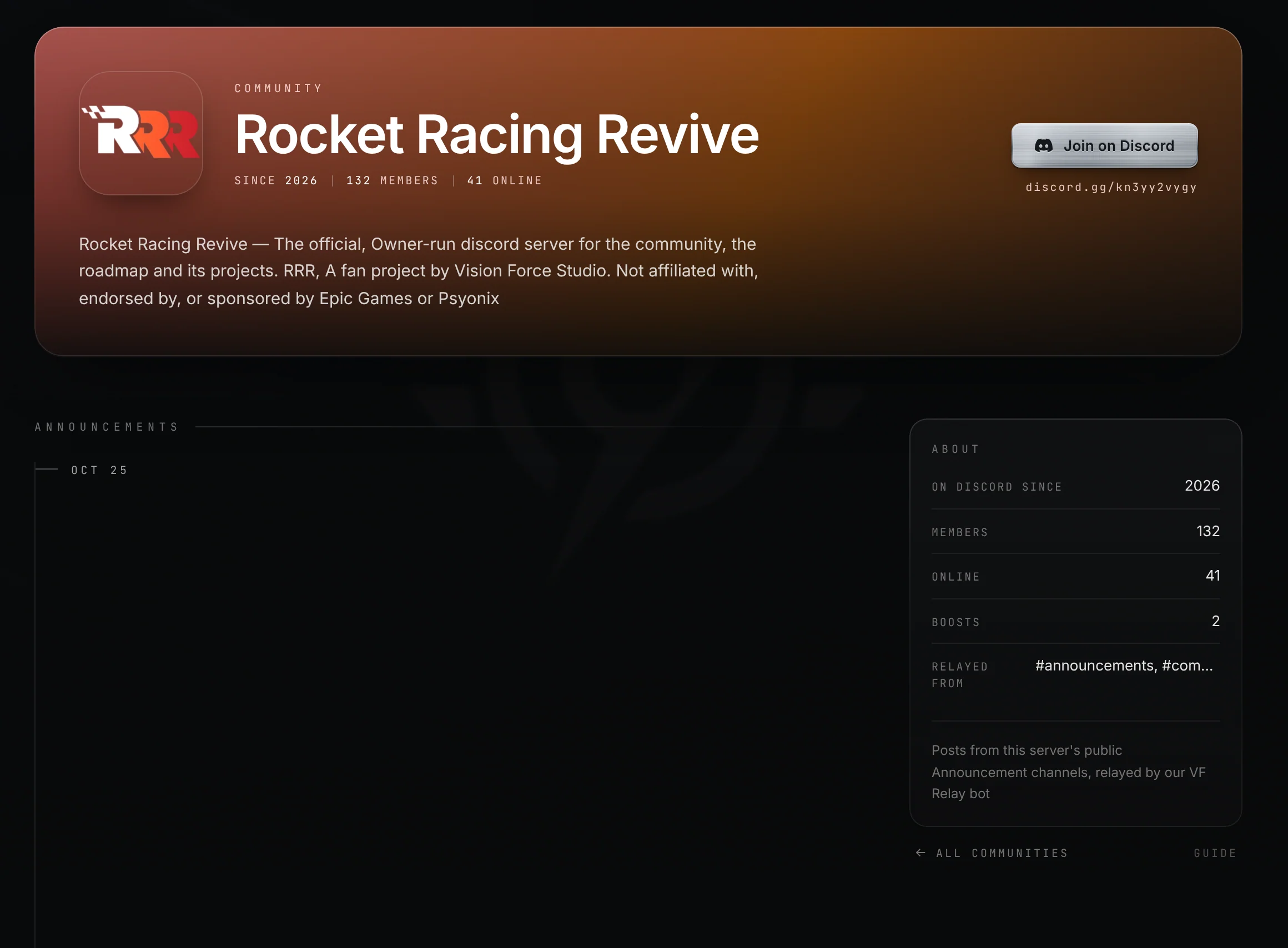
- Server pages got a new header in the server's colours with the Join on Discord button in it, and an About panel with members, online, boosts and which channels are relayed
Images that stay up
- Discord image links run out after about a day and we don't keep copies of your images. So on every run the bot reads a few posts again whose image links are half way to running out, and the images stay up
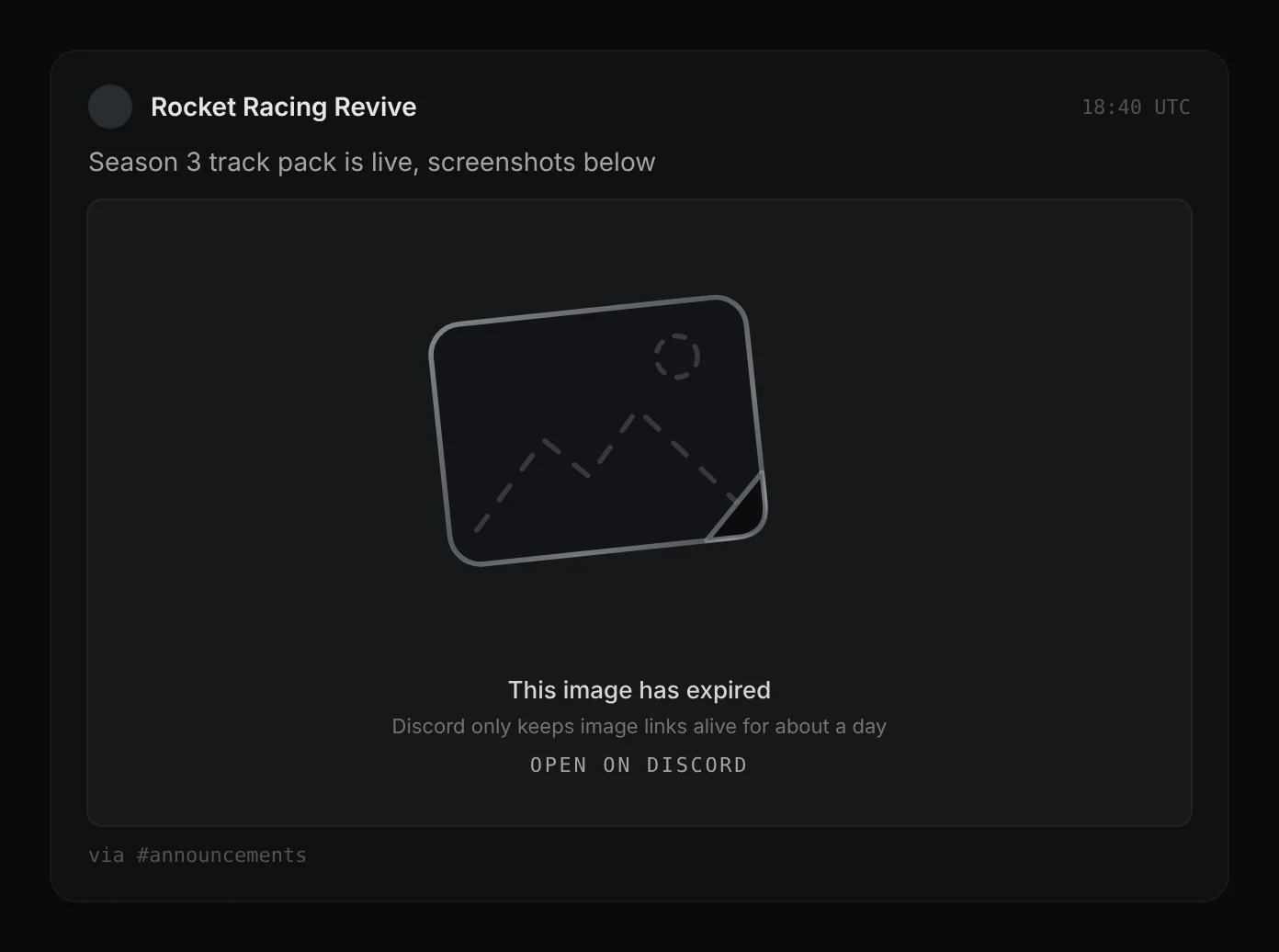
- If an image still runs out or breaks, you get a sad-face placeholder with an Open on Discord link instead of a broken image

Fresh start
- The old hub relay is gone and everyone started fresh. The old relayed posts were cleared. The servers we listed by hand are still listed and say "Not relayed yet" until someone who runs them applies
LVE Projects, Full Send Racing and everyone else in the directory: your page stays, apply once and your announcements show up again
Hold to send#
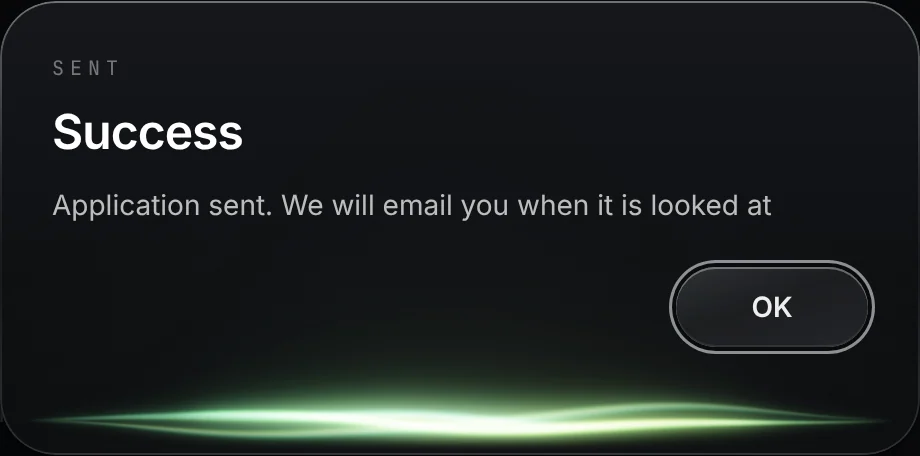
Why?: so nobody sends an application by a misclick, and when something goes wrong you see what it was
- On every application form: the creator application, VF Communities and the Project Overdrive access form, ready for when requests open again

LegalOpen#
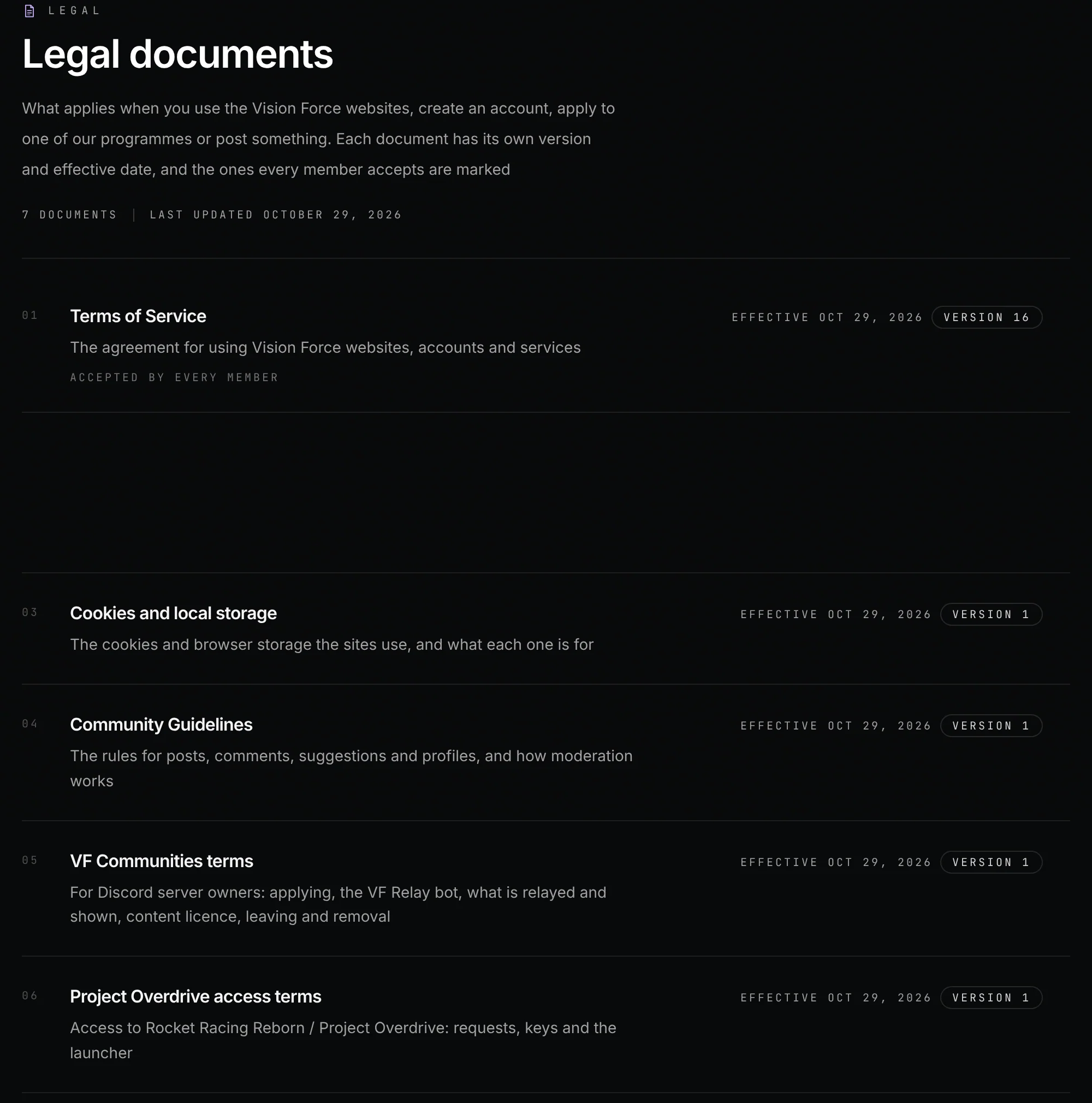
Why?: one page with 16 sections was doing the job of seven documents. Now you read the one that applies to what you are doing
- One document became seven: Terms of Service, Privacy Policy, Cookies and local storage, Community Guidelines, VF Communities terms, Project Overdrive access terms and Creator programme terms
- The minimum age is now 16. It was 13
- You agree to the Terms and confirm you have READ the Privacy Policy. You'll see that box when you're signed in, and again when either of them changes

Account#
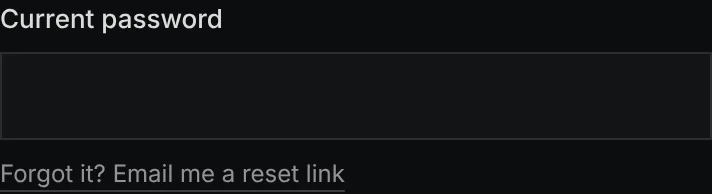
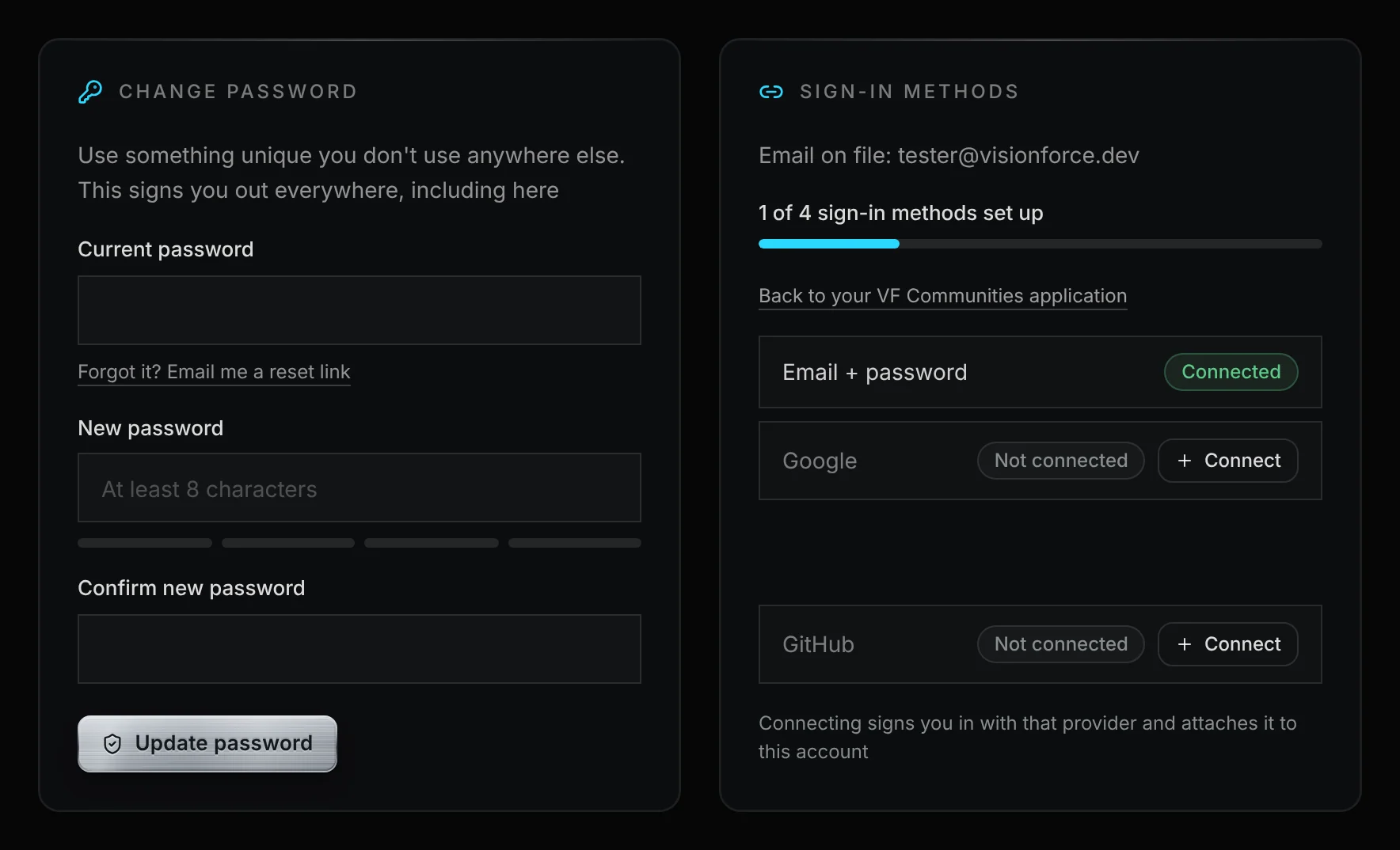
- Forgot your password while signed in? In Settings, under Current password, press "Forgot it? Email me a reset link". The link works for 30 minutes, and setting the new password signs you out everywhere